Security
Protect your account with two-factor authentication and passkeys.
Manage your security settings from the Security page in your dashboard, where you can also change your password.
Two-Factor Authentication (2FA)
2FA adds an extra layer of security by requiring a second form of verification in addition to your password.
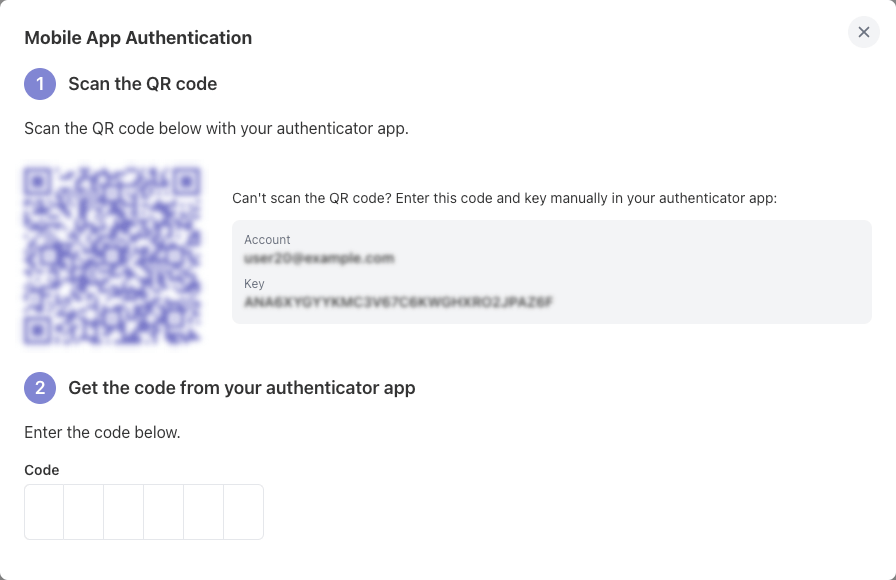
Enable it from the Security page: scan the QR code with your authenticator app (Google Authenticator, 1Password, Authy…), then enter the generated code to confirm. You can disable 2FA from the same page at any time.
Passkeys
Passkeys let you sign in without a password, using your device's biometrics (fingerprint, face recognition) or a hardware security key. They are more resistant to phishing than passwords.
From the Security page, you can:
- Register a passkey — follow your browser's prompt to create it on your device or security key.
- Remove a passkey — confirming with your password.
You can register several passkeys (e.g., one per device). Your password remains usable alongside passkeys.